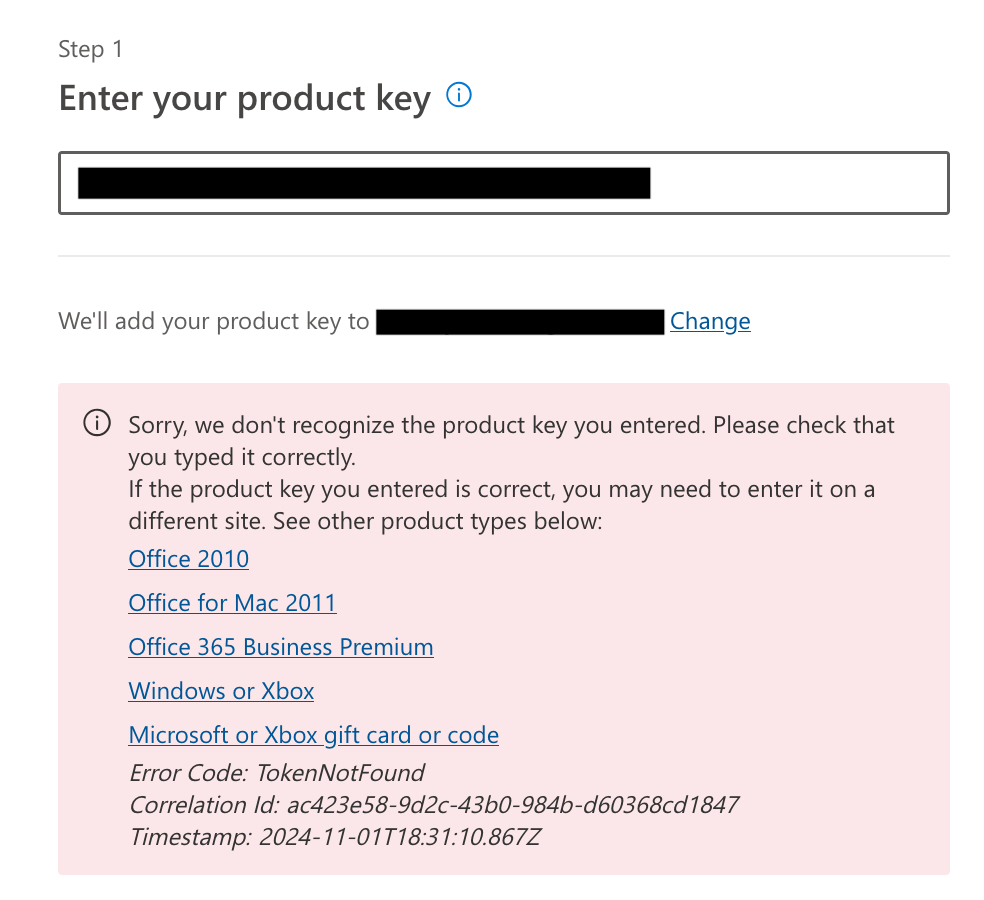
The error in the image occurs because the website setup.office.com is only for Home & Student versions.
- Your Purchase: The Office Standard and Office Professional versions we sell are not compatible with that website.
- How to Install: You must use the specific download link provided with your license to install the software correctly.
- Activation: Once installed, use the Activation Wizard within any Office app (like Word or Excel) to enter your product code.
Was this article helpful?
That’s Great!
Thank you for your feedback
Sorry! We couldn't be helpful
Thank you for your feedback
Feedback sent
We appreciate your effort and will try to fix the article