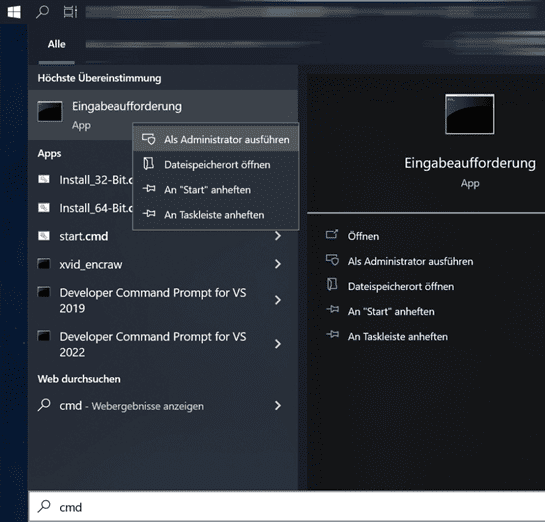
To activate your Windows 10 or Windows 11 via the command line, please open the command line as an administrator. Please click on Start and enter CMD, right-click on "Run as administrator".
Please enter the following in the command line and replace XXXXX with your product code:slmgr /ipk XXXXX and activate with: slmgr /ato
Was this article helpful?
That’s Great!
Thank you for your feedback
Sorry! We couldn't be helpful
Thank you for your feedback
Feedback sent
We appreciate your effort and will try to fix the article